- 1. Pick your bouquet
- 2. Write your message
- 3. Share the link
Build stronger, healthier relationships with Attached
Journaling, meditations & tools for hard moments, shaped by therapy.
Try for free now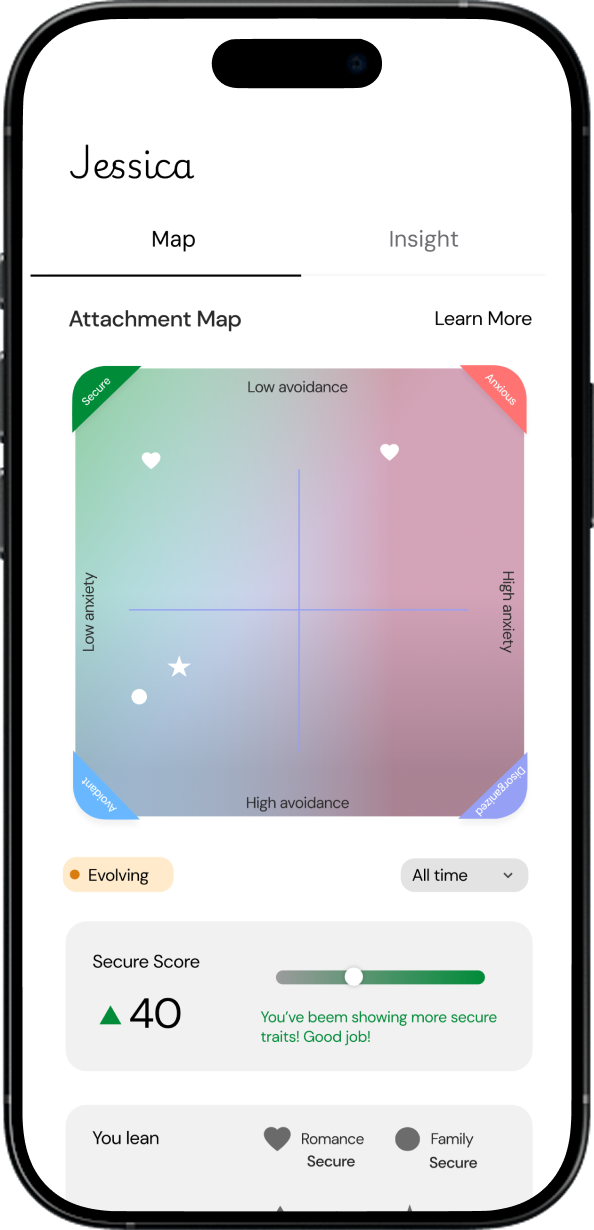
Send virtual flowers for free
Create a virtual bouquet, add a message, and send it by link, text, email, or WhatsApp in under 3 minutes.
How to send virtual flowers
Use the free virtual bouquet maker to choose flowers, write a note, and share a private link in seconds.
1
Choose your bouquet
Pick the flowers, wrap, and bow for your virtual bouquet.
2
Write your message
Add a custom note and your name before you send it.
3
Send it anywhere
Copy the bouquet link and send it by text, email, WhatsApp, or any messaging app.
Free virtual flowers for every occasion
Whether you are celebrating, saying thank you, or checking in on someone, a virtual bouquet is an easy way to send something thoughtful online.
Looking for TheBouquet.me? A free alternative
Many people land here while searching for TheBouquet.me (also typed "thebouquet," "the bouquet me," or "thebouquet me"). Attached's bouquet maker is a free TheBouquet.me alternative: design a virtual bouquet, add a private note, and share it anywhere with a link. It's free with no signup and no app, your note stays between you and your recipient, and every bouquet you send is planted in a shared flower garden.
Looking for DigiBouquet instead? See the DigiBouquet alternative →
FAQ
Is it free to send virtual flowers?
Yes. You can create and send virtual flowers for free with no signup.
What is a virtual bouquet?
A virtual bouquet is a digital bouquet that you can personalize and send online with a link.
How do I send virtual flowers by text?
Build your bouquet, copy the link, and paste it into iMessage, SMS, or any chat.
Can I send a digital bouquet by email or WhatsApp?
Yes. Once your bouquet is ready, share the link by email, WhatsApp, or any messaging app.
Can I personalize the message?
Yes. Add a custom message and your name before you share it.
How long does it take?
Most bouquets take under 3 minutes to create and share.
Is this TheBouquet.me?
No — TheBouquet.me (theBouquet) is a separate site. This is Attached's virtual bouquet maker, a free TheBouquet.me alternative that many people searching for "thebouquet" or "the bouquet me" end up using: build a bouquet, write a private note, and share it as a link. No signup needed.